Overview
Schedule meetings
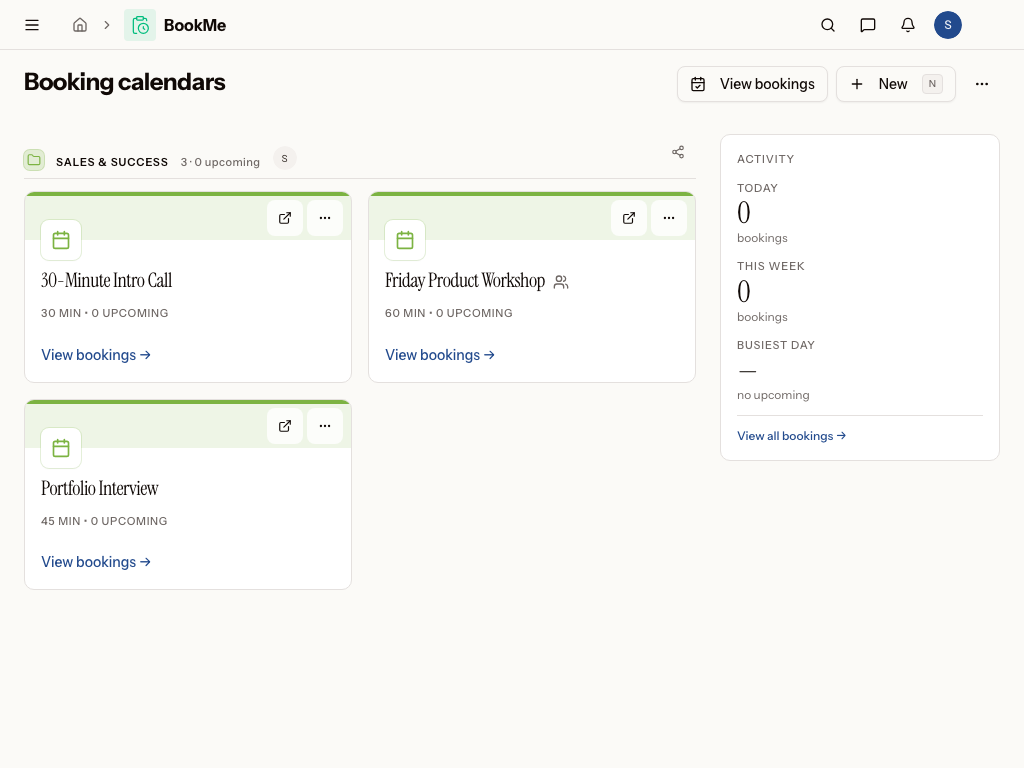
What is BookMe?
BookMe is the scheduling module of Metadot, built to help teams organize meetings without the endless back-and-forth of email. It centers on shared calendars and the bookings made against them, so people can find open time and reserve it themselves. Whether it's a support session, an onboarding call, or a demo, BookMe keeps the whole process — from availability to confirmed meeting — in one place.
Who uses BookMe?
- An IT helpdesk lead who wants staff to self-schedule support sessions instead of emailing for a time slot
- An IT onboarding coordinator who runs new-hire setup and security-training sessions on a predictable schedule
- A customer success manager who books onboarding and demo calls with new customers
- Team members who manage calendars and keep an eye on upcoming bookings
- Viewers who need read-only visibility into what's scheduled
Works with the rest of Metadot
- Everyone who books a meeting is recognized as the same person across your workspace, so a customer's demo call, their support tickets, and their invoices all connect to one profile — no re-entering their details.
- New bookings can trigger automations, like sending a confirmation email, creating a follow-up task, or notifying a channel — all without any setup code.
- Any calendar or booking you create is findable through workspace-wide search, so you never have to dig through the module to locate a meeting.
- Access follows your workspace's roles and BookMe's own permissions, so admins keep full control while members and viewers see exactly what they need.
Common questions
- What is BookMe used for?
- Who typically uses BookMe?
- What does a typical day-to-day workflow look like?
- How does BookMe connect to the rest of Metadot?
In this section
Was this page helpful?