Overview
Project management
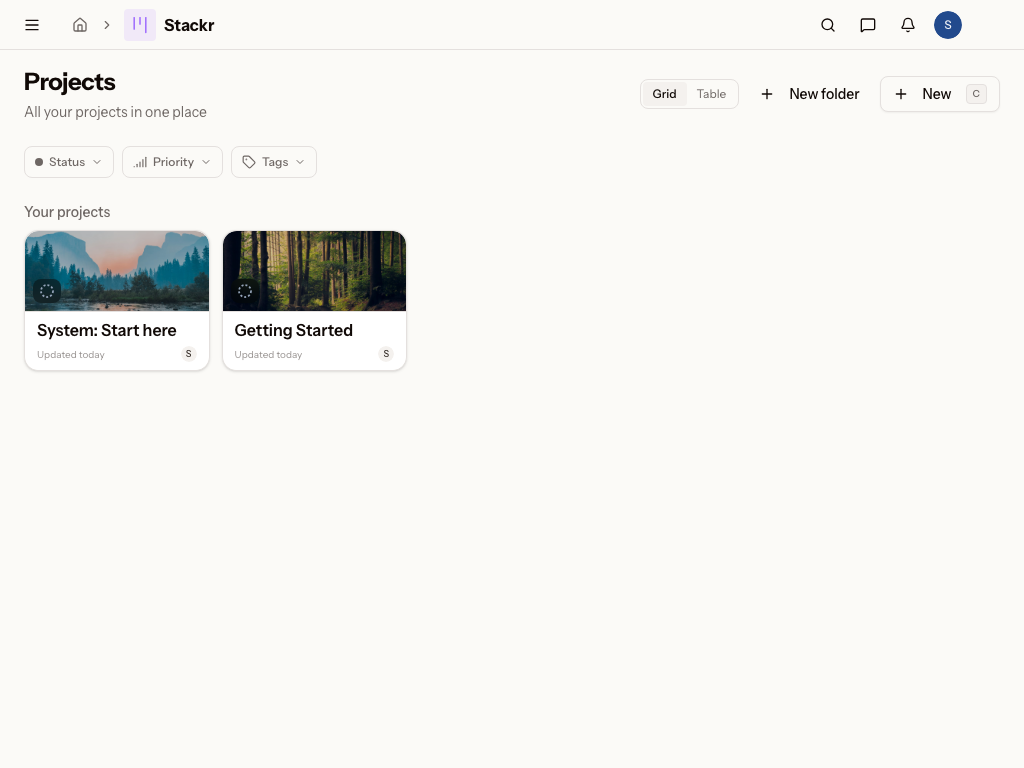
What is Stackr Project?
Stackr Project is the project management module of Metadot, built around boards that organize your tasks from kickoff to completion. It gives you a repeatable way to plan rollouts, track recurring work, and keep everyone aligned on what's next. Whether it's a one-time initiative or an ongoing schedule of work, Stackr Project keeps the status of every task visible in one place.
Who uses Stackr Project?
- IT managers running a laptop refresh or an on/offboarding rollout as a board, with clear tasks and ownership at every step
- Facilities managers at schools coordinating recurring maintenance across multiple buildings
- Viewers who need read-only visibility into the boards they've been granted access to
- Members who create and edit projects and tasks on the boards they can access
- Admins who manage templates, taxonomy, and publishing settings across the module
Works with the rest of Metadot
- Because people are recognized across every module, the collaborators on your board are the same profiles you'd see as CRM contacts or Tickets requesters — no re-entering names or tracking down who's who.
- Actions on your boards can trigger automations, so moving a task to done can send a notification, update a field, or kick off the next step — without any extra setup on your part.
- Every project and task you create is findable from workspace-wide search, so you never have to remember which board something lives on to track it down.
Common questions
- What is Stackr Project used for?
- What's the difference between Projects, Scheduled, and Templates?
- How do I run recurring work without recreating it every time?
- Can actions on a board trigger other things automatically?
In this section
Was this page helpful?